


Yango for iOS & Android
Download now: enjoy nice and comfortable rides


Easy and safe rides in Rawalpindi — just a tap away


To request a ride in Rawalpindi, open the Yango app, enter your pickup point and destination, and review the fare before you confirm. The city page covers places such as Saddar, Bahria Town and Committee Chowk. If you need help with a ride, use the Help section in the app.

Delivery
Why choose Yango?



Yango lets you request a ride through an app and see the fare before you confirm. Enter an address or choose a point on the map. Check the route and service class shown for your request. The app gives you these details before you decide whether to continue.
How do I request a ride?



Open the Yango app and choose where the ride should start and end. Type an address or select a point on the map for a precise pickup location. Review the class and fare displayed for your request. Confirm when the details are correct. Then follow the status and pickup information in the app. For questions about a request, use Help.

What safety tools can I check?
The city page describes live tracking, route sharing and an in-app emergency button. Check the app for the tools available during your ride. You can share trip progress using the route-sharing option. If a ride concerns you, open Help and explain what happened. For an immediate emergency, use the app's emergency option.

What is Yango Lite?
Yango Lite is the lighter app version described on the Rawalpindi page for weak connections. The page also presents it for phones with limited storage. Before requesting, check your pickup point, destination, class and displayed fare.

How can I become a partner?
The site has a separate path for people interested in partnering with Yango. If you want to request a ride, use the app flow above. For partnership details, check the partner information and its current terms. This page makes no income or schedule promise.
What service classes are shown in Rawalpindi?

For basic affordable rides
Kia Rio, Volkswagen Polo, and Hyundai Solaris
- Affordable
- Fast pickup
- High availability
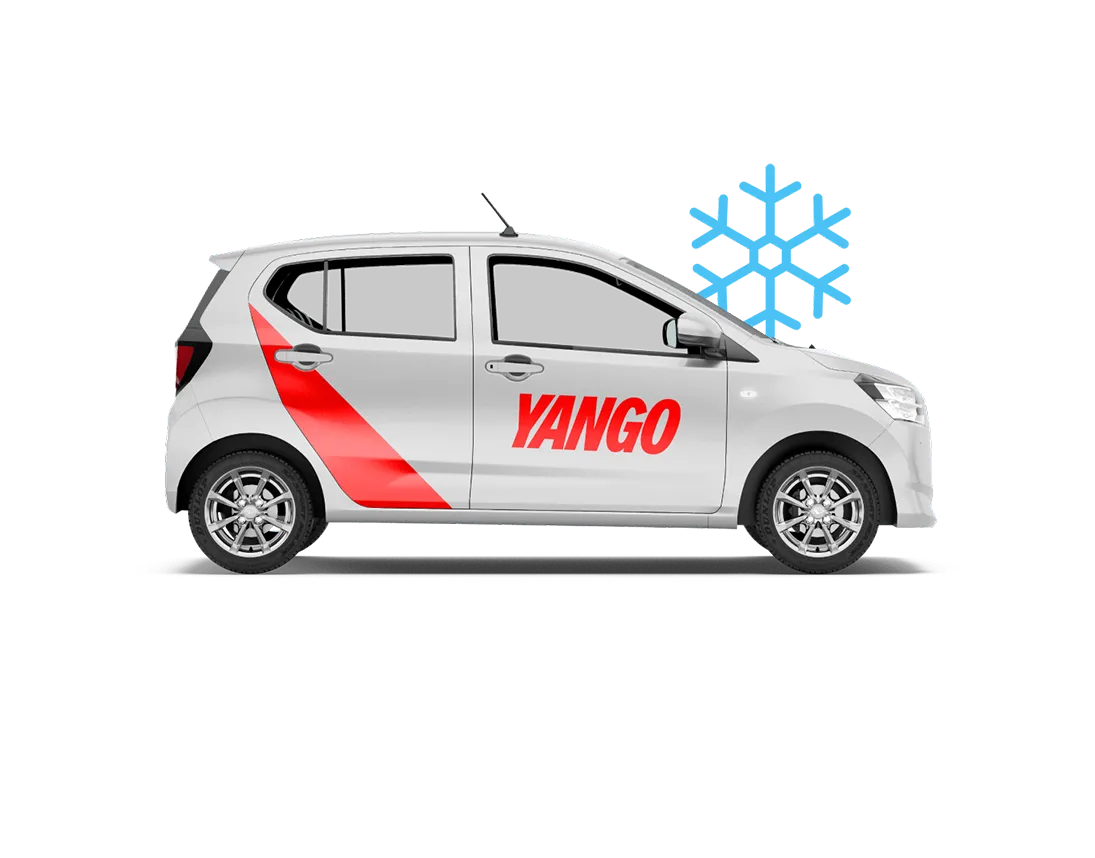
More comfort during the ride
Kia Rio, Mitsubishi Mirage, and Suzuki Dzire
- More leg room
- Newer cars
- Air conditioning

Your fastest choice
Bajaj Boxer, Haojue HJ125, and similar models
- Quick navigation through traffic
- Ideal for short solo trips
- Affordable and time-saving
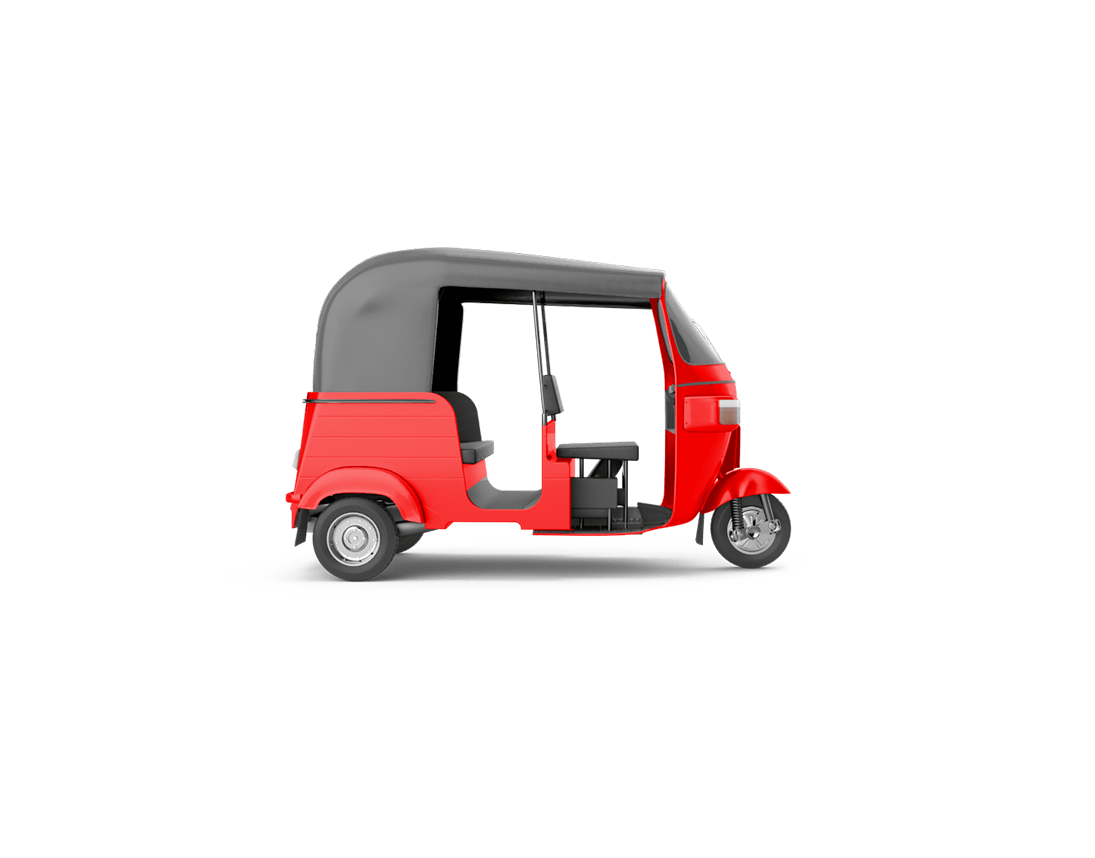
For local, low-cost trips
Piaggio Ape, TVS King, and similar models
- Perfect for short city rides
- Great for narrow streets
- Affordable option for everyday travel
The Rawalpindi page lists Economy, Comfort, Bike and Rickshaw. Economy and Comfort are separate car ride options; Bike and Rickshaw are distinct classes. Choose a class, then review its details before confirming. Use the app to see which options appear for your pickup point and destination. This list describes the classes shown on the city page, while the app shows the current choice for your request.
Where else does the site list cities?
The site links to Lahore, Karachi, Islamabad, Faisalabad and Multan. Open the relevant page for local information. If your route starts or ends outside Rawalpindi, check the app for the options shown for that request.
Can I request a ride online?

You can request a ride using the Yango app. Enter your route, review the options and confirm your choice. The city page also has a browser request button. For support after requesting, use Help in the app. Visit Yango Pakistan for the country page.
What is Yango's role?
Yango Ride operates in 25 countries across the Middle East, Africa, Latin America, and other regions.
- 8 yearsSince Yango Ride launched
- More than 25 countriesWe are here for you, wherever you are
- 630 million ridesMade by Yango Ride users since its launch
- 1M+ driversRegistered on the platform
Yango is an information service that helps users request trips through an app. Transportation services are provided by third parties. The app lets you enter a route, review the fare and send a request. A partner driver provides the ride. Read the Pakistan terms and limitations for the published service explanation.
How can I check the fare?
The app shows a fare before you confirm a request. Enter both locations, then review the amount displayed for your chosen class. If you are considering another class, compare the options in the app. The amount shown relates to your request. Check the current app display for your trip instead of relying on a price quoted elsewhere.
Yango helpline and support in Rawalpindi
For questions or complaints about a ride, use Help in the Yango app. Describe the ride and your issue. Include the relevant trip details when you contact support. This page does not list a verified Rawalpindi office address, helpline or WhatsApp number. The app's Help section is the support route given here.
What should I check before confirming?
Check your pickup point, destination, service class and displayed fare. These are the details used for your request in the app. If a location is wrong, change it before you confirm. For a question after requesting, open Help and include the trip details.
FAQ
How do I contact Yango support in Rawalpindi? Open Help in the Yango app and describe your question or complaint. Include the relevant ride details if your question is about a specific trip.
Is there a Rawalpindi office or helpline number? This page does not list a verified office address or phone number. Use the app's Help section for support.
Can I see the fare before requesting? Yes. Enter your pickup point and destination, then review the fare shown in the app before you confirm.
What if my connection is slow? The city page describes Yango Lite as a lighter version for weak connections. Check the app option and review your request details before confirming.
Which service classes are listed? The Rawalpindi page lists Economy, Comfort, Bike and Rickshaw. Check the app for the options displayed for your route.
Yango is an information service; transportation services are provided by third parties.
