


Yango for iOS & Android
Download now: enjoy nice and comfortable rides
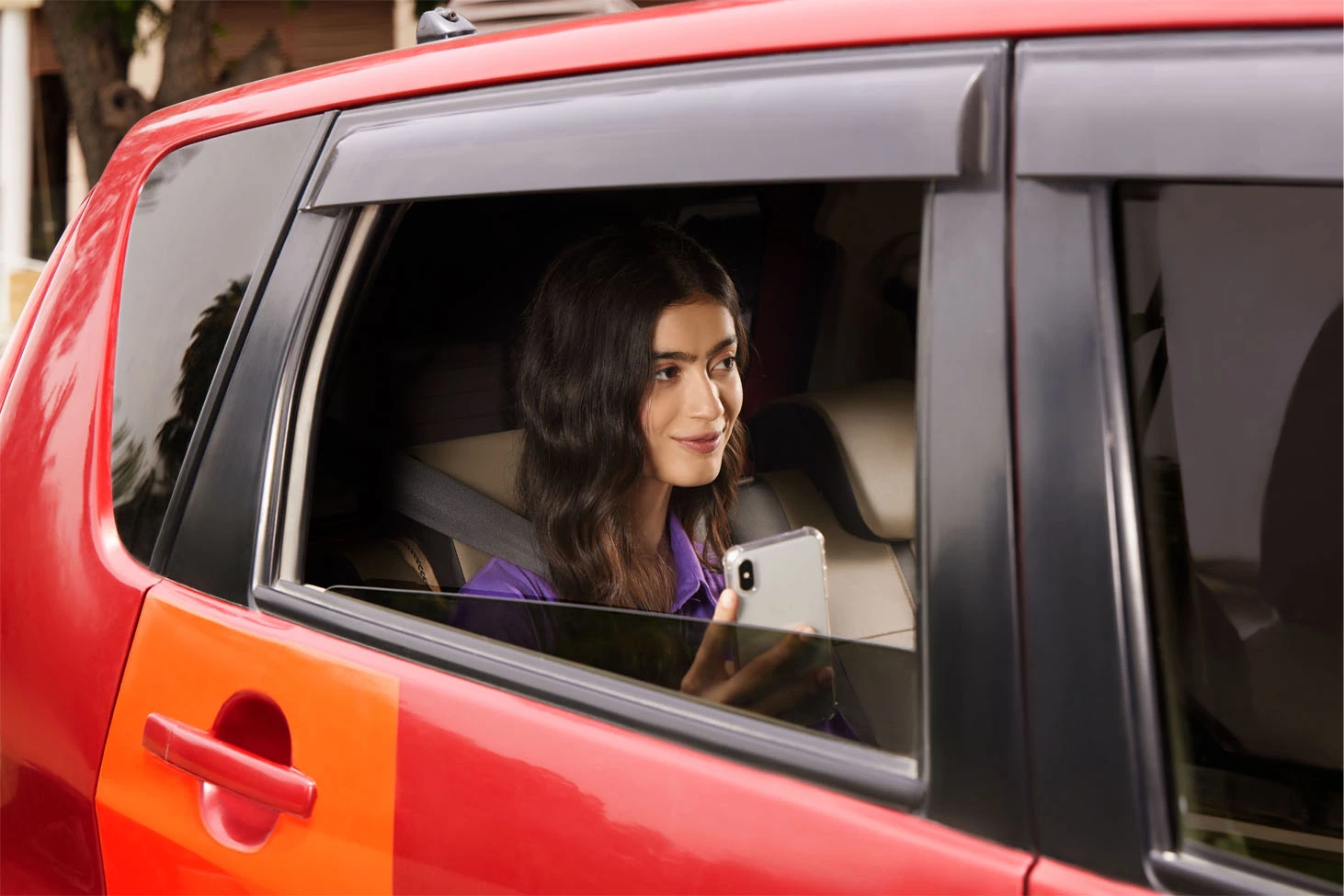

Smarter way to ride in Lahore with Yango


To request a ride in Lahore, open the Yango app, enter your pickup point and destination, choose a service class, and check the price shown before you confirm. If you need help with a ride, open Help in the app. This page explains support, fares, and the choices shown for Lahore.

Delivery
Rides for business

Safety features for a Lahore ride
The Lahore page describes route sharing and an in-app SOS option. Check your trip details before requesting. During a ride, you can share your route with someone you know. For a safety concern, use the app's safety controls and the Yango support page.

Low signal? Try Yango Lite
Yango Lite is the lighter app version described on the Lahore page for lower-data connections and older phones. Check the pickup point, destination, and ride details before confirming. For app problems, use the Yango support page.
Service classes in Lahore

For everyday affordable rides
Kia Rio, Volkswagen Polo, and Hyundai Solaris
- Affordable
- Fast pickup
- High availability
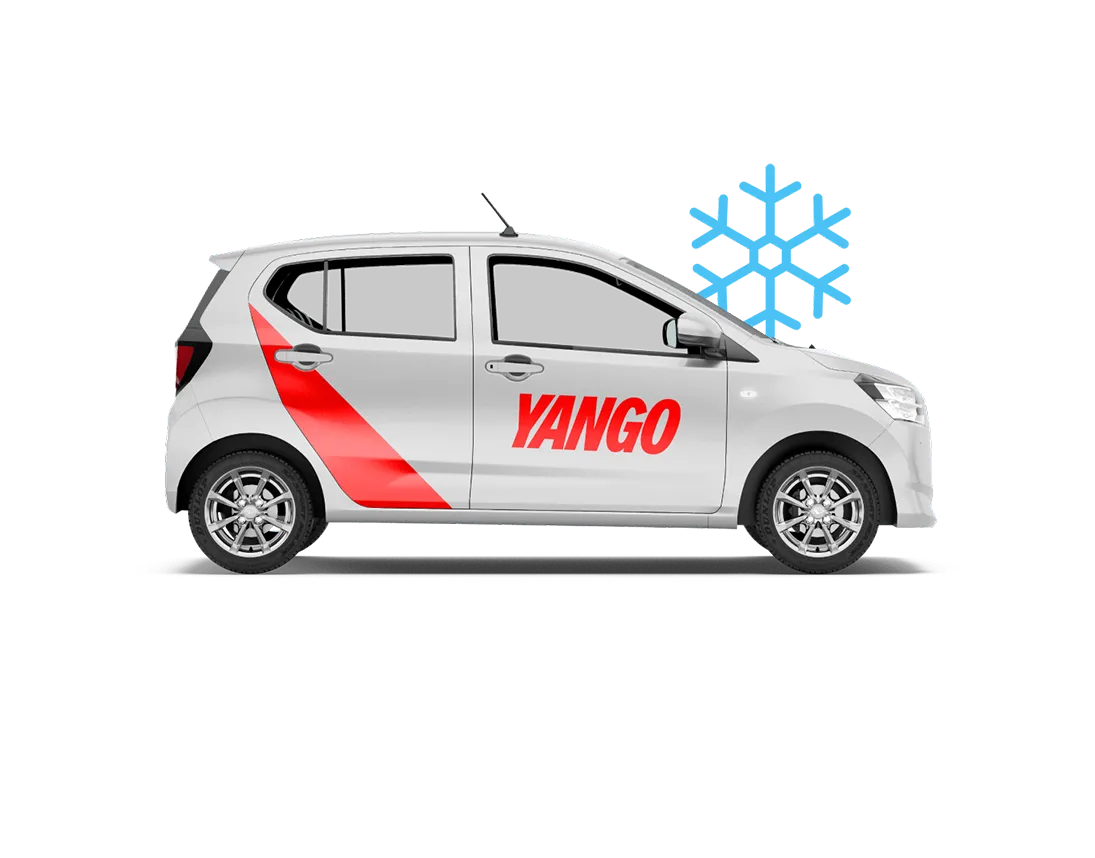
More comfort during rides
Kia Rio, Mitsubishi Mirage, and Suzuki Dzire
- More leg room
- Newer cars
- Air conditioning

Your fastest choice
Bajaj Boxer, Haojue HJ125, and similar models
- Quick navigation through traffic
- Ideal for short solo trips
- Affordable and time-saving
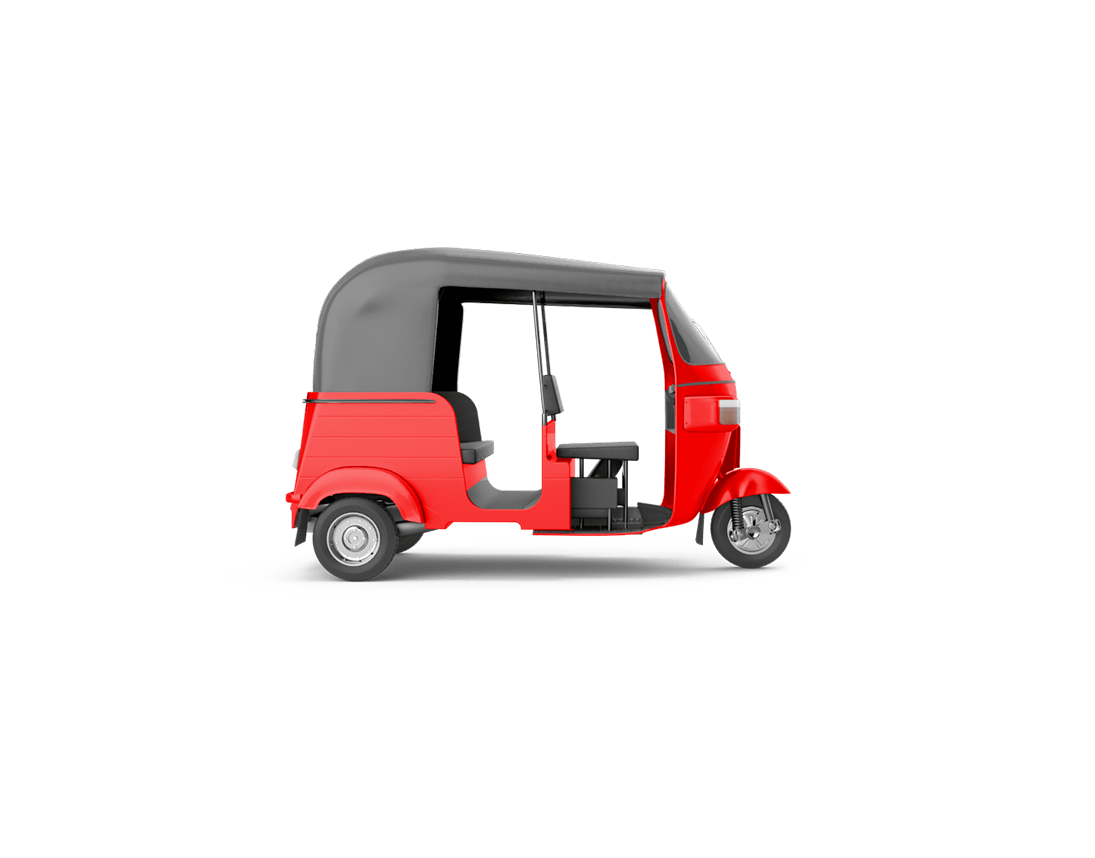
For local, low-cost trips
Piaggio Ape, TVS King, and similar models
- Perfect for short city rides
- Great for narrow streets
- Affordable option for everyday travel
The Lahore page lists Economy, Comfort, Bike, and Rickshaw as service classes. Open the app to see the classes offered for your request and the price shown for each available choice. Select the option that fits the trip you are planning, then review its details before confirming. A class name describes an option in the app; it does not guarantee a particular vehicle model for every ride.

Want to become a Yango partner in Lahore?


You're not just driving — you're shaping mobility in Lahore.
Information for people interested in driving or fleet partnerships is on the Yango partner page. Check the conditions and application steps there. The ride options on this page concern requests made through the app.
Where are Yango city pages in Pakistan?
The site links to city pages for Yango Lahore, Karachi, Islamabad, Rawalpindi, Faisalabad, and Multan. Open a city page for local information and check the app for ride options at your pickup point.
Request rides online

You can use the Yango app to request rides in Lahore. Enter where you want to be picked up and where you want to go. Review the service class and price shown in the app before confirming. The Lahore page also links to a browser request page. If you use that route, check the details displayed there before sending a request.
How do I request a ride in Lahore?


Open the app, enter your pickup point and destination, and review the choices shown. Select a service class, check the price and trip details, then confirm if they are right for you. The Yango support page has more help with requesting a ride.
About Yango
Yango Ride operates in 25 countries across the Middle East, Africa, Latin America, and other regions.
- 8 yearsSince Yango Ride launched
- More than 25 countriesWe are here for you, wherever you are
- 630 million ridesMade by Yango Ride users since its launch
- 1M+ driversRegistered on the platform
Yango is an information service for requesting rides through an app. Transportation services are provided by third parties. For broader information about the service in Pakistan, visit the Yango Pakistan page.
Yango helpline and support in Lahore
For help with a ride in Lahore, open the Yango app and go to Help. Choose the ride and describe what happened. You can also use the Yango support page for payment issues, lost items, and driver or vehicle feedback.
To make a complaint, select the relevant trip in Help and explain the issue. Use official Yango channels for contact details; this page does not publish a Lahore helpline number or WhatsApp contact.
Yango fares in Lahore
The app shows a ride price before you confirm a request with a destination. Check the amount and service class on the request screen. This page has no fixed Lahore price list; use the amount displayed for your request.
The final amount can change in the cases described by Yango Support. If you request without a destination or change it later, the price is calculated after the ride. Paid waiting time and automatic tips can also affect the amount. If a charge looks wrong, report the ride through Help.
What should I check before confirming?
Check the pickup point, destination, service class, and price on the request screen. Correct any mistake before confirming. For a question after the trip, open it in Help or choose the matching topic on the support page.
Frequently asked questions
How do I contact Yango support in Lahore? Open Help in the Yango app, choose the relevant ride or topic, and describe your issue. You can also browse the official support topics. Use these channels rather than a number or WhatsApp account that you cannot verify as official.
Is there a Yango office in Lahore? This page does not provide a verified Lahore office address. For help with a ride, use Help in the app or the official support page. Check an address against an official Yango source before visiting it.
How is the fare calculated? The app shows a price for a request with a destination before you confirm. The final amount may change if no destination is entered, the destination changes, paid waiting time is added, or automatic tips are enabled, as explained by Yango Support.
Can I change my destination after requesting? The support page says a destination change can affect the final price. Review the updated trip details in the app and contact Help if you have a question about the charge.
Yango is an information service; transportation services are provided by third parties.